




Facebook Ads That Get Approved: A Firearm Instructor’s Guide to Running Compliant, High-Converting Ads
Introduction: Why Most Firearm Ads Get Rejected (and How to Fix It)
If you’re a firearm instructor, you’ve probably experienced this:
“Your ad has been rejected because it violates Meta’s advertising policies…”
Frustrating, right? You’re not trying to sell guns you’re promoting training, safety, and education. Yet Facebook (Meta) often flags these ads unfairly, leaving many instructors confused and stuck.
But the good news is: You CAN run Facebook ads that get approved and convert. In this post, you’ll learn exactly how to do it using proven strategies from Andy Hallinan, the leading voice in Firearm Instructor Marketing, along with tactical best practices built for MomentumHQ.
Meta’s Firearms Ad Policy (2025 Update)
First, know what you’re working with.
Meta’s official policy prohibits ads that promote:
- The sale of firearms
- Modifications (like suppressors or bump stocks)
- Ammunition
- Accessories that enable shooting (e.g., scopes)
However, Meta does allow ads that promote:
- Firearms training and safety courses
- Gun ranges
- Educational services
- Self-defense classes
✅ Training = APPROVED. Selling = BLOCKED.
But your language, creative, and targeting must reflect that. Here’s how.
Step 1: Use Education-First Language (NOT Salesy Gun Talk)
Language matters more than you think. Use neutral, safety-first terms like:
✅ Safe/Approved Phrases:
- Firearms education
- Concealed carry training
- Personal protection classes
- Safety certification
- Self-defense instruction
❌ Risky/Flagged Terms:
- Buy a gun
- Defensive handgun course
- Pistol shooting
- Carry tactics
- Use of force
Write your copy like you’re talking to someone new to firearms and emphasize responsible instruction, not tactics or gear.
Step 2: Structure Your Ad for Meta Compliance
Use this ad copy template (from Andy Hallinan’s own campaigns):
🚨 Example Ad Copy (Compliant & High-Converting)
Ready to Learn How to Protect Yourself Legally?
Join our state-approved concealed carry training class in [City]. This isn’t just a class it’s a clear, step-by-step guide to understanding Florida gun laws, self-defense rights, and permit requirements.
Taught by a certified, trusted instructor.
✅ Fast Certification
✅ Safe & Legal Instruction
✅ Book Your Spot Online
➡️ Click to reserve your seat.
Pair this with a professional image (more on that below), and link to a MomentumHQ-hosted landing page that continues the education-first tone.
Step 3: Use Facebook-Friendly Images and Videos
Avoid guns in hand, aggressive poses, or live-fire shots.
✅ Images That Work:
- Instructor in a classroom setting
- Student reviewing safety materials
- Empty classroom with handouts
- Professional headshot of the instructor
- Smiling students post-class (with permission)
❌ Images That Get Flagged:
- Firearms pointed at the camera
- Tactical gear or holsters
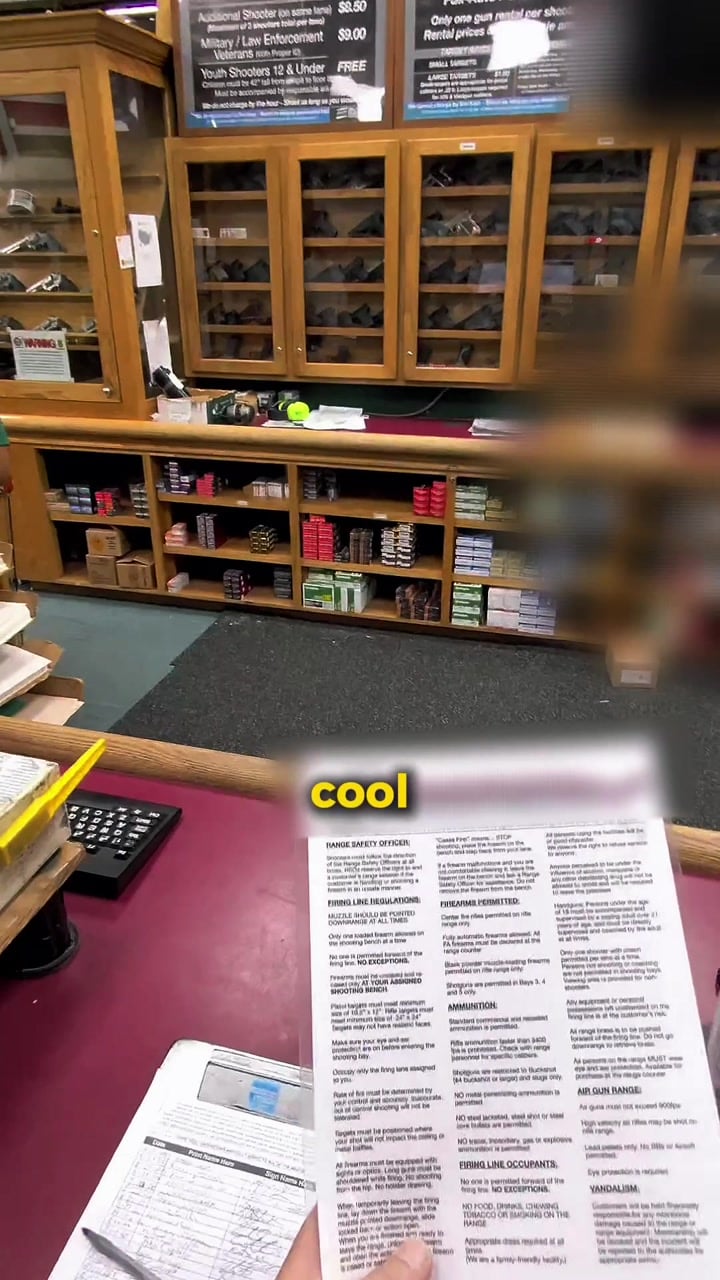
- Gun store shelves
- Range targets or muzzle flashes
Use MomentumHQ’s media library to upload and organize your visuals.
Step 4: Target Safely with Facebook’s Limited Firearm Audience Rules
You can’t target by “firearms” directly anymore but you can reach likely students with this approach:
Recommended Targeting:
- Location: 15–30 miles around your training area
- Age: 25–64
- Interests:
- NRA
- Military or law enforcement pages
- Self-defense
- Survivalism
- Liberty-oriented media (e.g., Daily Wire, PragerU)
- Behaviors: Frequent event attendees, online buyers
Pro tip: Retarget your funnel visitors or email list using Custom Audiences in MomentumHQ’s native Facebook integration.
Step 5: Send Traffic to a Compliant MomentumHQ Landing Page
Your funnel or landing page is just as important as your ad.
Key Page Elements:
- Clear title (e.g., “Florida Concealed Carry Training – Sign Up Now”)
- No sales of firearms or gear
- No gun shop links or range affiliations unless clearly educational
- Trust symbols: Certified Instructor, BBB, local range partnerships
- Embedded booking calendar
- Testimonials and FAQs
Andy Hallinan emphasizes that your funnel is where the conversion happens not your ad. Your ad builds curiosity. The funnel builds trust and action.
Step 6: Automate Your Follow-Up
Once a lead comes in, the magic is in the follow-up. Use MomentumHQto:
- Instantly send a confirmation text or email
- Remind leads 24h and 1h before class
- Follow up with no-shows or fence-sitters
- Send reactivation offers (e.g., “Still need your permit?”)
This not only boosts attendance it increases Meta’s ad performance metrics (CTR, conversion rate), which helps your ad stay approved and cost-effective.
Bonus: What To Do If Your Ad Gets Rejected
It happens. Here’s how to handle it:
- Appeal the rejection: Many are automated and overturned with human review.
- Remove flagged terms (see list above).
- Duplicate the ad and try fresh.
- Rotate new creative/images every 10–14 days.
- Switch to Lead Form Ads if funnel-based ads keep getting blocked (GHL supports both).
Final Thoughts: Facebook Ads CAN Work for Instructors If You Know the Rules
Thousands of instructors have quit running Facebook ads because of rejections, frustration, or wasted ad spend.
But with the right system:
- Educational language
- Compliant creatives
- Smart targeting
- Clear funnels
- Automated follow-up
…your ad account becomes a predictable source of new students every week.
It’s not about hacks. It’s about strategy. And Andy Hallinan’s marketing system proves this works over and over again.
Want Help Running Facebook Ads That Get Approved?
We help firearm instructors build compliant, profitable ad campaigns that work inside MomentumHQ.
👉 Book a free strategy call now.

Leave a Reply